
Download FlySketch – Free Mac Screen Capture & Annotation Tool
Overview
FlySketch is a lightweight, trial‑version application designed for macOS users who need a fast and secure way to capture, highlight, and annotate screenshots. Since its addition to the catalog in 2007, FlySketch has amassed more than 7,000 downloads and remains popular in regions such as the United States, Ecuador, and Singapore. The current version, 1.6.3, was last updated on June 5 2007 and runs on macOS X as well as earlier Mac OS releases. Built for designers, photographers, and anyone who regularly works with visual content, FlySketch occupies far less storage space than many competing tools, making it an ideal choice for machines with limited disk capacity.
The app belongs to the “Design & Photography” category with a sub‑category of “Screen Capture.” Its primary purpose is to let you quickly grab a portion of your screen, add sketches, arrows, text, or highlights, and then save or share the result. While the trial version limits some advanced features, the core functionality is more than enough for everyday tasks such as creating tutorials, marking up design drafts, or preparing presentation slides.
Key Features and Pros / Cons
- Instant screen capture with selectable region or full‑screen mode.
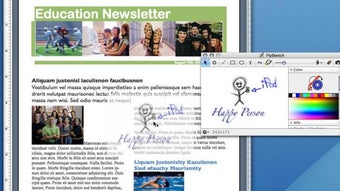
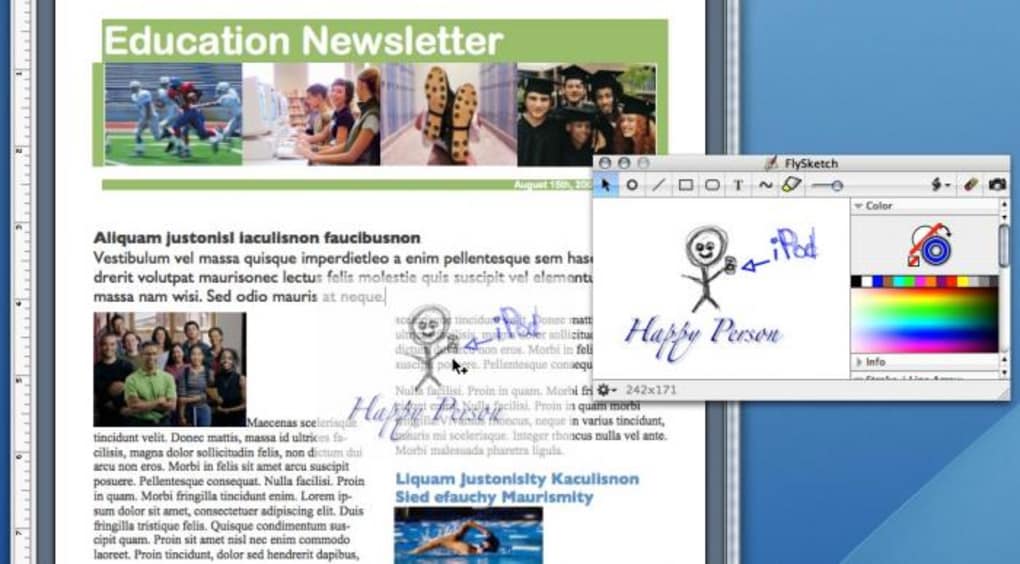
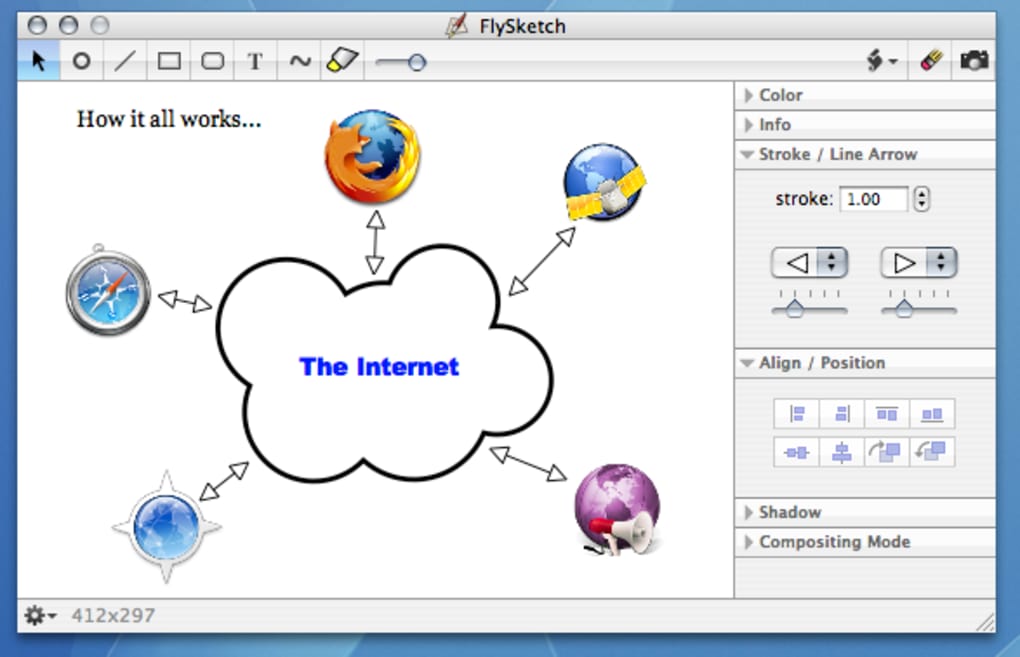
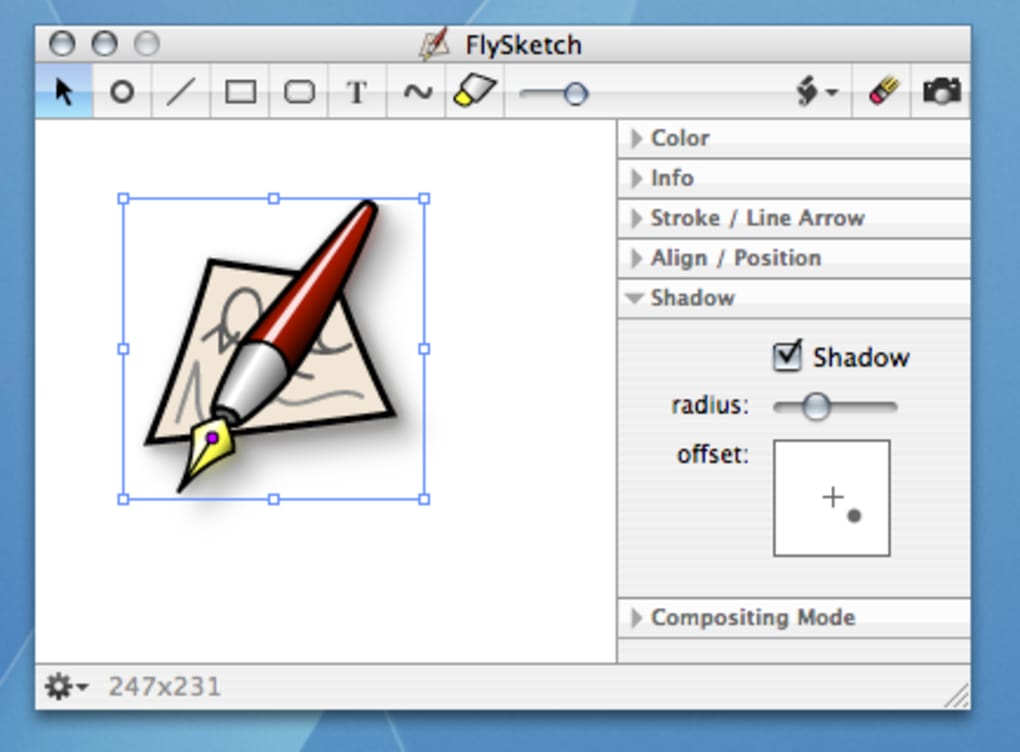
- Rich annotation toolkit – pen, highlighter, arrows, shapes, and text.
- One‑click export to PNG, JPEG, or PDF.
- Drag‑and‑drop support for adding images into existing sketches.
- Lightweight installer – under 10 MB, perfect for low‑storage Macs.
- Automatic update notifications (even for the trial version).
- Multi‑language support limited to English in the current build.
Pros
- Fast startup – the app launches in less than a second.
- Intuitive UI that requires virtually no learning curve.
- Low memory footprint, leaving more resources for other design tools.
- Secure handling of captured images – no background uploads.
- Free trial lets you test all essential features before committing.
Cons
- Trial version disables batch export and cloud syncing.
- Last official update was over a decade ago – may lack modern macOS optimizations.
- No native support for Windows, Android, or iOS platforms.
- Limited customization of annotation brushes (color palettes are fixed).
- Help documentation is sparse and not searchable.
Installation, Usage Instructions & Compatibility
How to Install FlySketch on macOS
1. Download the installer from the official FlySketch page. The file is named FlySketch_1.6.3.dmg and is approximately 9 MB in size.
2.
Open the DMG by double‑clicking it; macOS will mount a virtual drive on your desktop.
3. Drag the FlySketch icon into the Applications folder. This step copies the app to your system drive and makes it available from Launchpad.
4.
Launch the program for the first time. macOS may warn you that the app is from an unidentified developer. Click “Open” in the security dialog to proceed.
5. When prompted, enter your name and email to activate the trial period (30 days).
No credit card information is required.
Basic Workflow
Once FlySketch is running, you’ll see a compact toolbar at the top of the screen. Click the camera icon to choose between Full Screen, Window, or Selection. After capturing, the annotation panel appears automatically.
Use the pen tool for freehand drawing, the highlighter for emphasis, and the text tool for notes. All changes are previewed in real time. When you’re satisfied, hit the “Save” button to export the file or the “Share” button to send it directly via email or to a cloud folder (available only in the full version).
System Requirements
FlySketch is built for macOS X (10.4 Tiger) and later. Because the software was last updated in 2007, it runs best on older versions of macOS, but it remains functional on newer releases thanks to Apple’s backward‑compatibility layers. Minimum hardware requirements are modest:
- Processor: Intel Core 2 Duo or later.
- RAM: 2 GB (recommended 4 GB for smoother performance).
- Disk space: 50 MB free for installation and temporary files.
- Graphics: Any integrated GPU supporting basic 2D rendering.
Users on macOS Big Sur, Monterey, or Ventura may experience occasional UI scaling issues, but the core capture and annotation functions remain stable. There is no official Windows, Android, or iOS version, so Mac users looking for cross‑platform solutions may need to consider alternatives like Snagit or Monosnap.
Conclusion, FAQ & Call‑to‑Action
FlySketch offers a no‑frills, fast, and secure way to capture and annotate screenshots on macOS. Its lightweight footprint makes it especially attractive for users with limited storage or older hardware. While the trial version restricts some advanced capabilities, the essential tools are more than sufficient for teachers, developers, designers, and anyone who needs to quickly illustrate a point on screen.
If you value speed over extensive feature sets, FlySketch is worth a try. For power users who need batch processing, cloud integration, or a modern UI, you might eventually upgrade to a newer solution. Nonetheless, as a free, easy‑to‑install app, it still holds a respectable place in the macOS utility landscape.
Frequently Asked Questions
Is FlySketch completely free?
FlySketch offers a free trial that includes all core capture and annotation features. A paid license is required to unlock batch export, cloud sync, and advanced brush settings.
Can I use FlySketch on Windows?
No. FlySketch is built exclusively for macOS. Windows users should consider alternatives such as Snagit or Free Snip.
How does FlySketch handle privacy?
All screenshots are stored locally on your computer. The trial version does not upload images to external servers unless you explicitly use the share function.
What image formats can I export?
FlySketch supports PNG, JPEG, and PDF exports. The PDF option is useful for creating multi‑page documentation.
Will future macOS updates break FlySketch?
Because the last official update was in 2007, there is a risk that major macOS revisions could cause UI glitches. However, the core capture engine has remained compatible with most recent releases.
Ready to streamline your screen‑capture workflow? Download FlySketch now and start creating clear, annotated visuals in seconds. Experience a faster, lighter alternative to heavyweight design suites and see why thousands of Mac users still rely on this trusty tool.
Overall Rating: 4 out of 5 stars
FlySketch delivers exactly what its tagline promises – a quick, secure, and free way to capture and annotate screenshots on macOS. While the UI feels dated and the trial limits some convenience features, the performance and low storage impact make it a solid choice for everyday users.







